
Playing Kahoot without a Game PIN is not possible for joining a live game hosted by someone else. The PIN is the essential gateway that connects players to a specific live session. However, if you want to play Kahoot by yourself or in a different format, this guide explains your actual options clearly and correctly.
Quick Answer: Your Two Real Options
| If You Want To… | Possible Without a PIN? | Method | Where to Go |
|---|---|---|---|
| Join a live class/group game | No | You must have the host’s 6-digit PIN. | kahoot.it |
| Play a Kahoot by yourself | Yes | Use “Practice” mode or assign a student-paced challenge. | kahoot.com or the Kahoot! app |
| Play with friends remotely | Yes | Host creates a student-paced challenge and shares the link. | kahoot.com |
Understanding the Game PIN’s Role
The Game PIN is a temporary code generated when a host starts a live game in “Classic” or “Team Mode.” It acts as the digital room number. Just as you can’t enter a physical classroom without knowing its number, you cannot join a live Kahoot game without its unique PIN. There is no backdoor or alternative code.
Method 1: Play Solo in Practice Mode (The True “No PIN” Method)
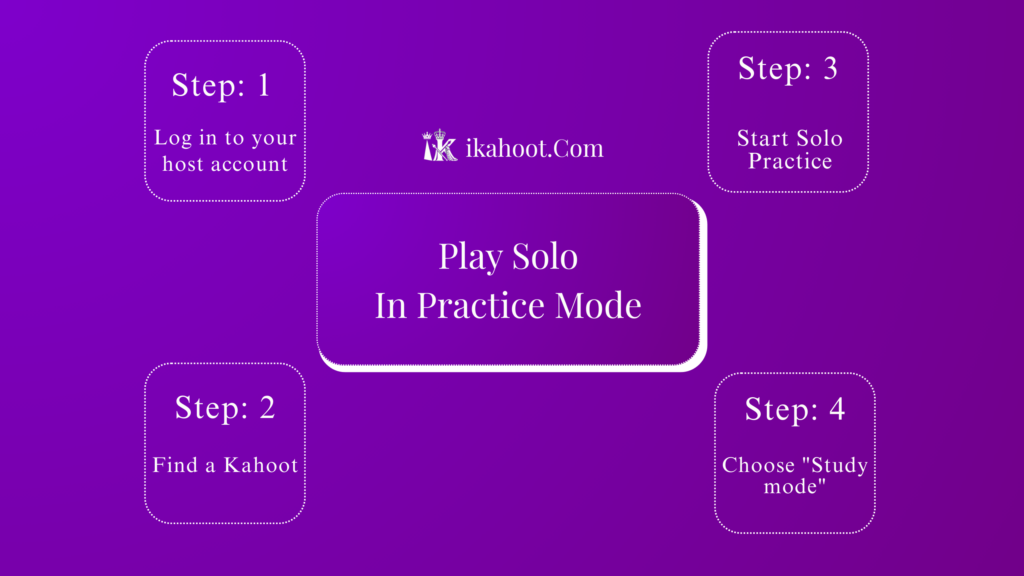
This method allows you to play a Kahoot alone, at your own pace, without any PIN or live host. You will need a free Kahoot account.
- Log in to your host account: Go to
kahoot.comor open the Kahoot! app and sign in. (If you don’t have an account, you must create a free one first.) - Find a Kahoot: Use the Discover tab to search for any public quiz on a topic you like.
- Start Solo Practice: Click on the chosen Kahoot. Instead of pressing “Play,” look for the “Practice” button (it may be under a “Share” or “More options” dropdown).
- Choose “Study mode”: Select the study/practice option. This launches the quiz directly on your screen.
- Play by yourself: Answer questions at your own speed, review answers, and learn. No PIN is involved.
Method 2: Play via a Student-Paced Challenge
This is how you can “play without a PIN” in a group setting, but it requires the host to set it up first. Challenges are not live; players complete them on their own time within a deadline.
If You Are a Host Setting It Up:
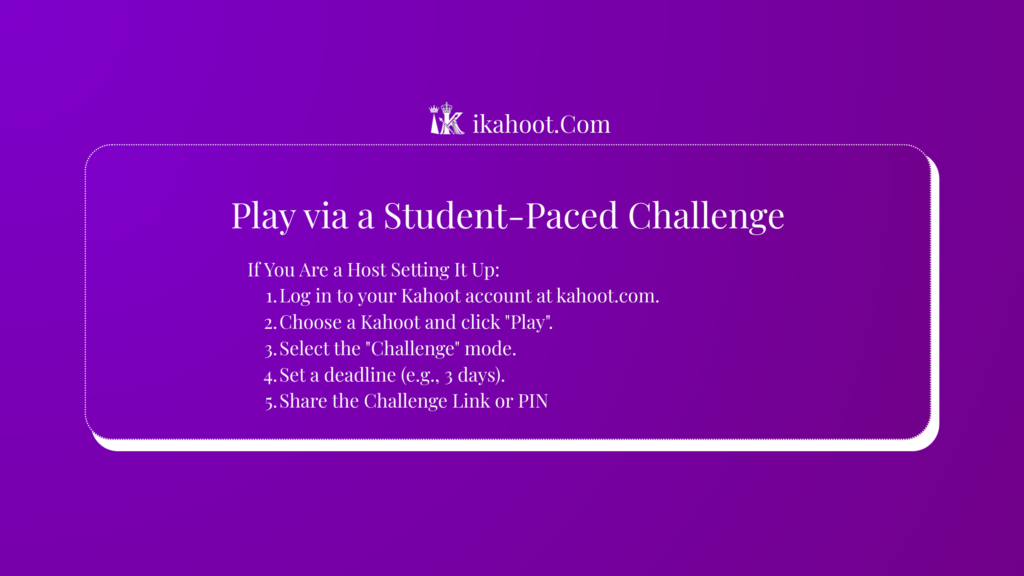
- Log in to your Kahoot account at
kahoot.com. - Choose a Kahoot and click “Play”.
- Select the “Challenge” mode.
- Set a deadline (e.g., 3 days).
- Share the Challenge Link or PIN: The system will provide a link you can share (via email, LMS, etc.) and a Challenge PIN. This PIN is different from a live game PIN and is used at
kahoot.itor in the app.
If You Are a Player Joining a Challenge:
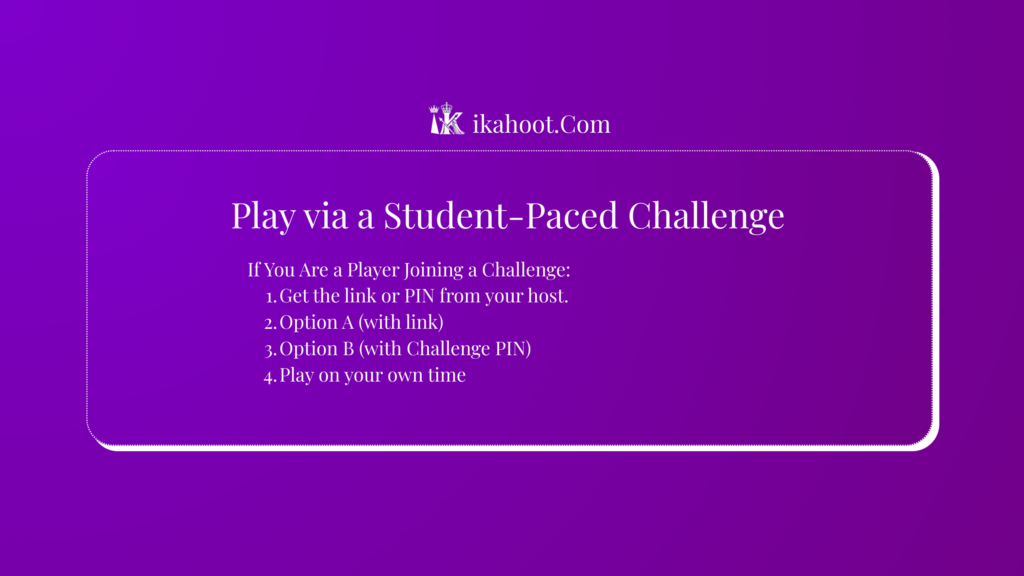
- Get the link or PIN from your host.
- Option A (with link): Click the unique link on any device. It will open the game directly.
- Option B (with Challenge PIN): Go to
kahoot.it, enter the Challenge PIN, and then your nickname. - Play on your own time: Complete the quiz before the deadline. You are not playing live with others.
Important Facts & Limitations
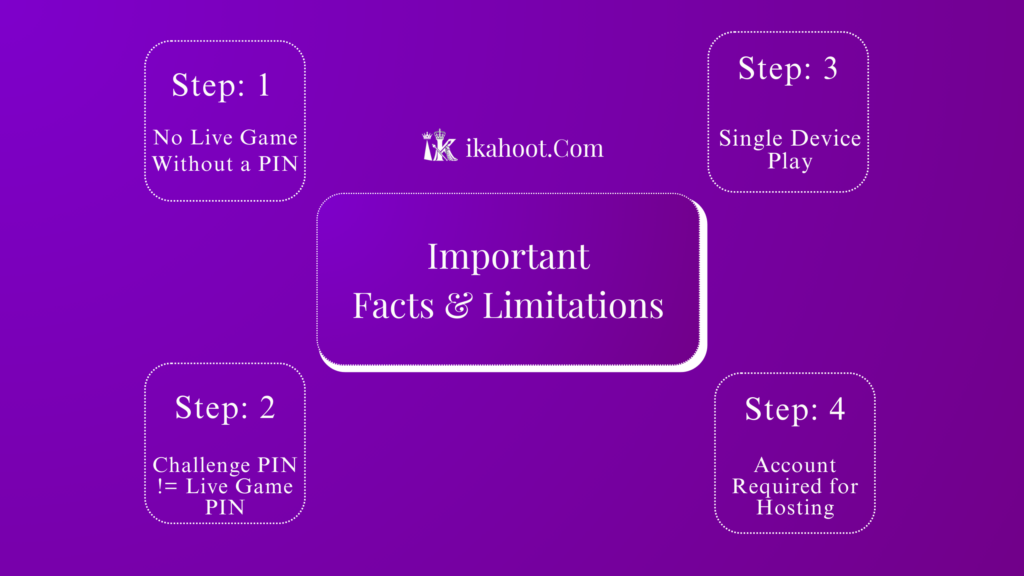
- No Live Game Without a PIN: Any guide claiming you can join a specific live host’s game without the provided PIN is incorrect.
- Challenge PIN != Live Game PIN: A Challenge PIN is for asynchronous play, not for joining a live session in progress.
- Single Device Play: For solo practice, you use one device as both host and player.
- Account Required for Hosting: To create a Kahoot or start a solo practice/challenge, you need a free Kahoot.com account.
Common Myths Debunked
- Myth: There’s a generic or universal PIN for Kahoot.
- Fact: Every game and challenge has a unique, randomly generated code.
- Myth: You can use a username to find and join games.
- Fact: There is no player search or join feature. You must have the specific connection code (PIN or link).
- Myth: Refreshing
kahoot.itgives you a PIN.- Fact:
kahoot.itIt is only an entry point for the codes provided by a host.
- Fact:
Frequently Asked Questions(FAQs)
Is there a way to play Kahoot for free by myself?
Yes, by creating a free Kahoot.com account and using the “Practice” mode on any public quiz in the Discover section.
Can I play a Kahoot live with friends without a PIN?
Not in the traditional live way. The host must use “Challenge” mode and share the link or Challenge PIN. Friends then play it separately within the time limit.
What is the difference between a Game PIN and a Challenge PIN?
A Game PIN is for live, real-time games. A Challenge PIN is for solo, asynchronous play that must be completed before a deadline.
Why does my teacher say to use a PIN, but it doesn’t work?
You are likely trying to use a Challenge PIN at kahoot.it for a live game, or vice-versa. Confirm with your host which type of PIN they shared and if the game is live or a challenge.
Can I use the Kahoot app to play without a PIN?
Only in the same ways: by logging into your own account to practice solo, or by entering a Challenge PIN/link shared by a host. You cannot join a live host’s game in the app without their live Game PIN.
While joining a live Kahoot session always requires the host’s Game PIN, you have excellent alternatives for solo or group play without a live PIN. You can practice any public Kahoot by yourself using an account, or join a student-paced challenge with a link from your host. Use the method that fits your goal, and enjoy learning!