
Learning how to log in to Kahoot as a player is your first step to joining the fun of live quizzes and learning games. This guide is perfect for students, first-time users, and anyone participating in a classroom or online session. We’ll walk you through the simple steps to join a game, with or without an account.
Table of Contents
Quick Overview: How to Log in to Kahoot as a Player
| Method | Account Required? | Best For | Where to Go |
|---|---|---|---|
| Game PIN | No | Most classroom/group games | kahoot.it in a browser or the Kahoot! app |
| Kahoot Login | Yes | Games where the host requires it | kahoot.com or the Kahoot! app |
Do Players Really Need to Log in to Kahoot?
No, not usually. This is the most important thing to know. In the vast majority of cases, you do not need a Kahoot account to play. You are simply a “player” who joins a live game using a unique Game PIN provided by your teacher or host. You only need to log in with a Kahoot account if the host has specifically set up the game to require it.
Method 1: Login Using a Game PIN (No Account Needed)
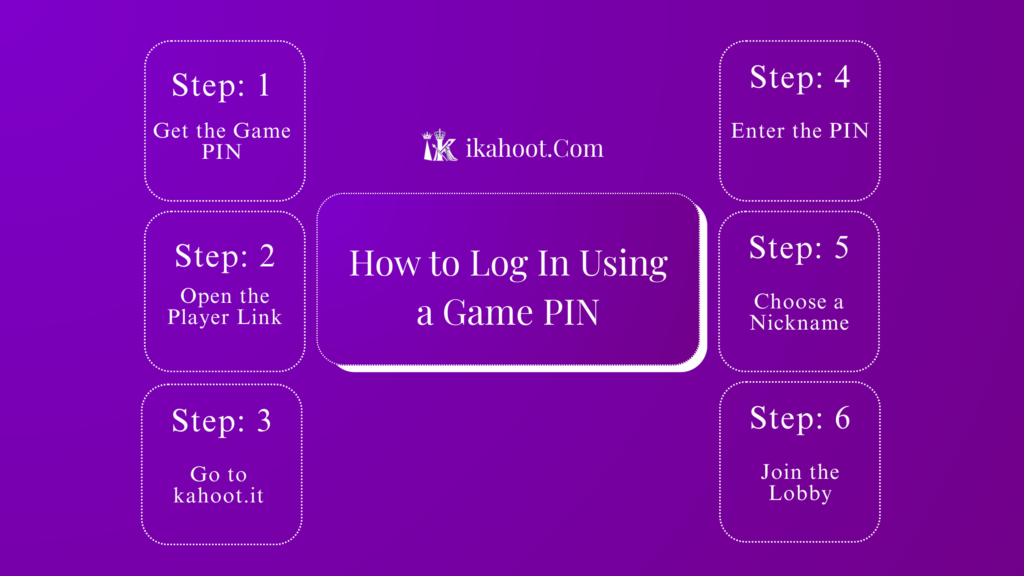
This is the standard way to join Kahoot as a player. Follow these easy steps:
- Get the Game PIN: Your teacher or game host will share a 6-digit number (like 123456). This is the Game PIN.
- Open the Player Link: On your device (phone, tablet, or computer), open your web browser (like Chrome or Safari).
- Go to
kahoot.it: Typekahoot.itinto the address bar and press Enter. (This is the special website for players only.) - Enter the PIN: Type the 6-digit Game PIN and click “Enter.”
- Choose a Nickname: Type a fun, appropriate name. This is what will show on the leaderboard!
- Join the Lobby: Click “OK, go!” You will now see your nickname on the host’s screen, waiting for the game to start.
And you’re in! No account was needed.
Method 2: Login with a Kahoot Account (If Required)
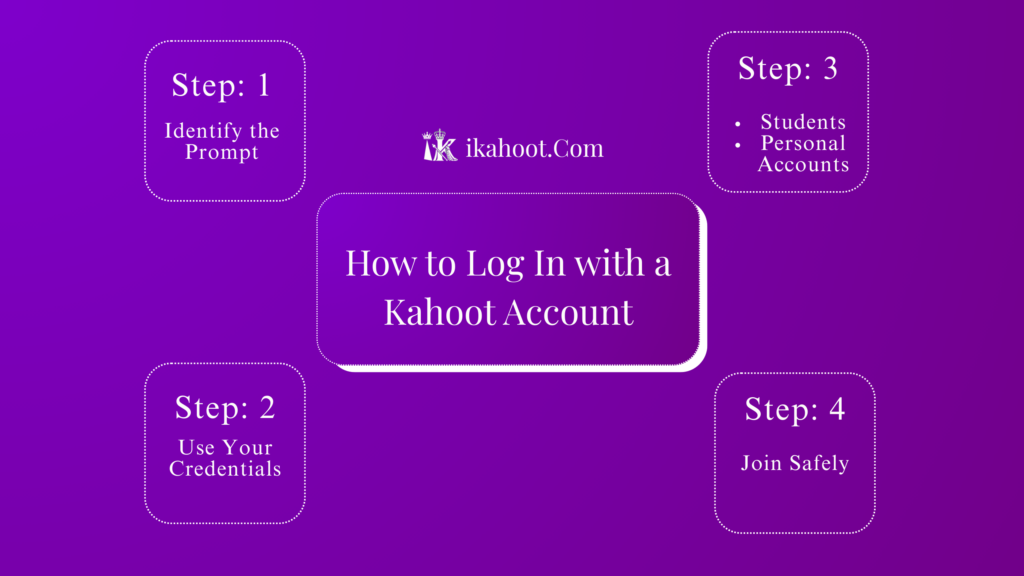
This depends on the host’s game settings. If the game requires an account, here’s what to do:
- Identify the Prompt: After entering the Game PIN at
kahoot.it, you will see a prompt asking you to “Sign in” or “Log in.” - Use Your Credentials: If you have a Kahoot account, enter your username/email and password.
- Students: You might have an account provided by your school.
- Personal Accounts: These are created on
kahoot.com.
- Join Safely: Never share your password. If you don’t have an account, tell your host, as they need to change the game settings.
Related Blogs:
- What Is Kahoot? Complete Beginner Guide for Students & Teachers
- How to Play Kahoot: Step-by-Step Guide for Students and Teachers
- How to Play Your Own Kahoot (Step-by-Step Guide)
- Kahoot APK for Android – App Details, Features & Safe Download
Kahoot App vs Browser Login
| Most players, the quickest way to join | Browser (kahoot.it) | Kahoot! App |
|---|---|---|
| Ease for Beginners | Easy – download from the app store first | Easy – download from app store first |
| Account Required to Join? | No (unless host enables it) | No (unless host enables it) |
| Best For | Most players; quickest way to join | Repeated play; easier access |
Verdict: For your first time, using a web browser on any device to go to kahoot.it is often the simplest.
Important Rules & Limitations
- PIN Expiry: The Game PIN is only active while the host is running that specific game.
- Internet Required: You need a stable internet connection to play.
- One Device Per Player: Join from one phone, tablet, or computer.
- Host Controls Everything: The host decides if you need an account, if nicknames are allowed, and when the game starts.
Common Mistakes & How to Avoid Them
- Going to the Wrong Website: Players must use
kahoot.it. Do not go tokahoot.com, which is for hosts creating games. - Inappropriate Nicknames: Use a school-appropriate name. Hosts can kick out offensive nicknames.
- Refreshing or Closing the Tab: Once in the game, keep your browser tab or app open. Refreshing can disconnect you.
- Joining Too Late: Join as soon as you get the PIN. You cannot join after the host starts the questions.
Frequently Asked Questions(FAQs)
Can I play Kahoot without logging in?
Yes, absolutely. Most players join using just a Game PIN kahoot.it without an account.
Why is Kahoot asking me to sign in?
This depends on the host’s game settings. Your teacher may have enabled a feature that requires players to identify themselves with an account. Let them know if you see this prompt unexpectedly.
What is the difference between Kahoot sign in vs join?
“Sign in” means logging into a Kahoot account. “Join” means entering a game as a player, usually with just a PIN and nickname.
Can I join Kahoot from my phone?
Yes. You can use your phone’s web browser to visit kahoot.it or download the free “Kahoot!” app from your app store.
What if the Game PIN is not working?
Double-check the numbers. If it’s correct, the host’s game may not be active yet or may have ended. Ask the host to confirm the PIN.
Is the Kahoot game pin login the same every time?
No. A new, random PIN is generated every time a host starts a game.
Logging in to Kahoot as a player is designed to be super simple. Remember: grab the Game PIN from your host, go to kahoot.it, enter the PIN, pick a nickname, and play. You only need a formal login if your host has set it up that way. Now you’re ready to join any Kahoot game and have fun learning!